Local-first
Everything stays on your device. No automatic uploads.
Limited private alpha
CREATOR VAULT AI · LIMITED PRIVATE ALPHA
Import selected images, video, and audio. Review, organize, find visual matches, scan exact duplicates, and prepare image copies locally—without automatic cloud media uploads.
FREE LOCAL MODE · NO ACCOUNT REQUIRED · WINDOWS PRIVATE TESTING · MACOS PLANNED
Everything stays on your device. No automatic uploads.
No real files leave your system. No live account required.
Import, browse, organize, and find what you need.
Images, video, and audio—organized the way you work.
Real App views · Temporary capture set
Drag, swipe, use the arrow keys, or open the original image.
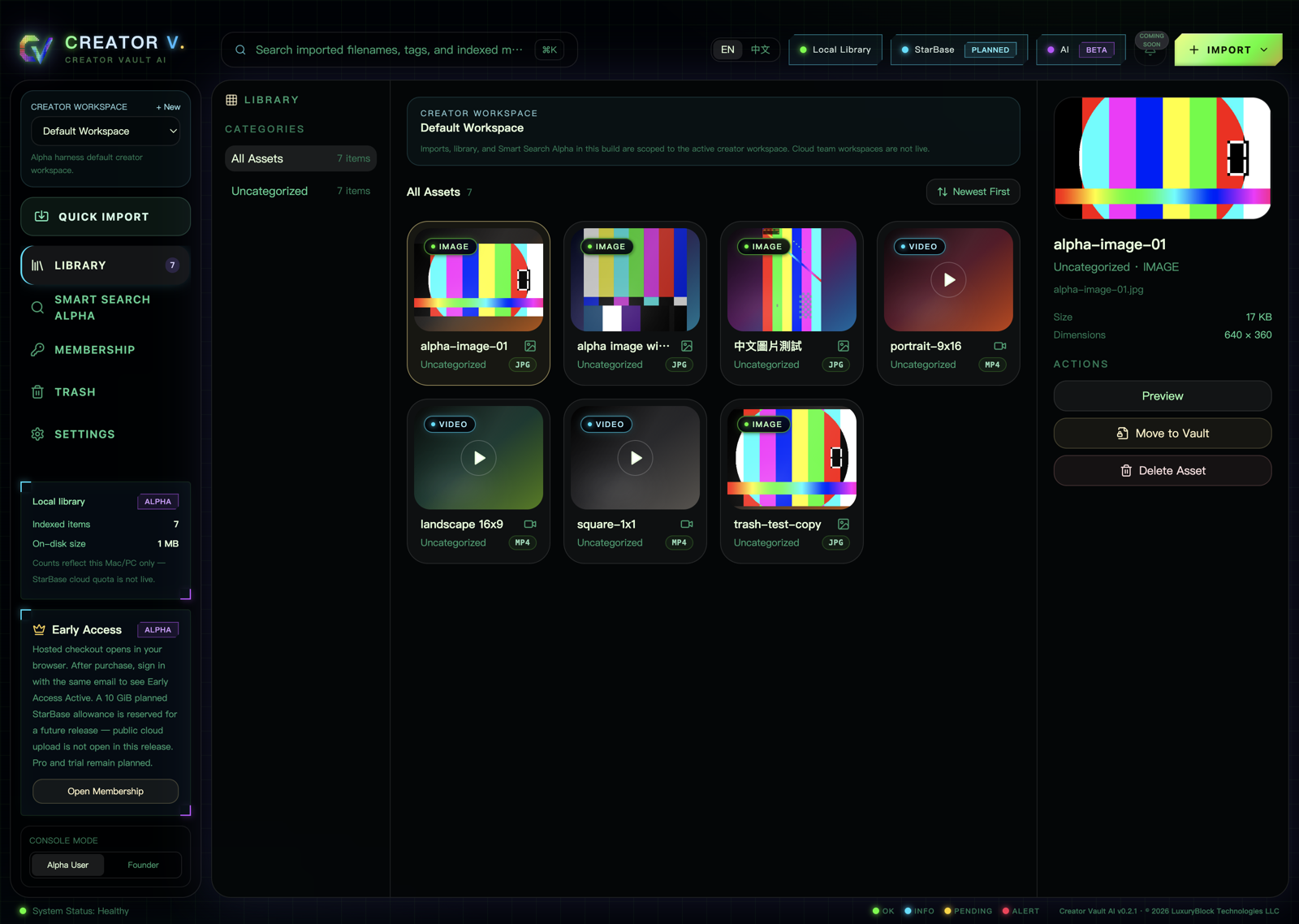
1 / 3
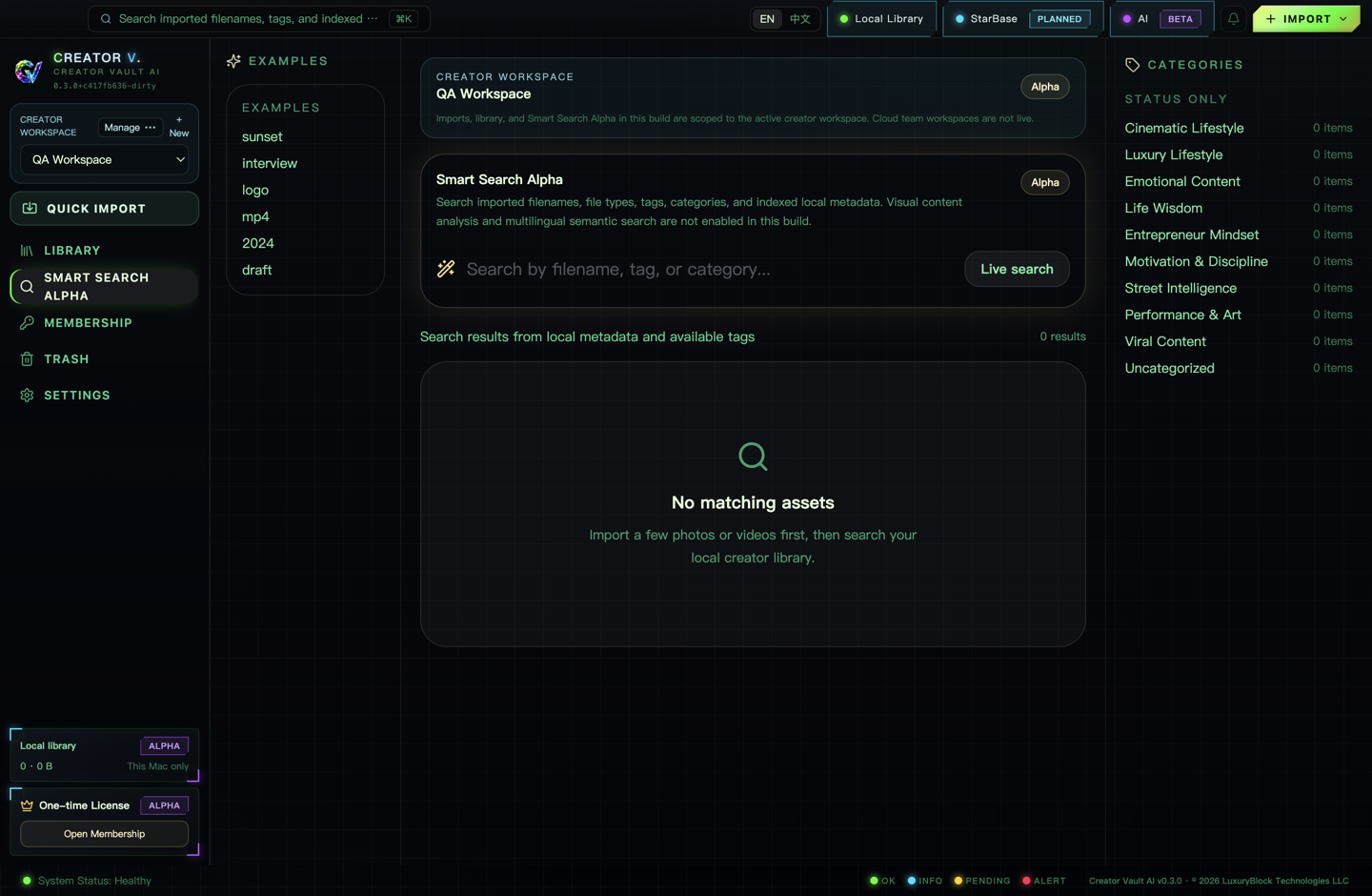
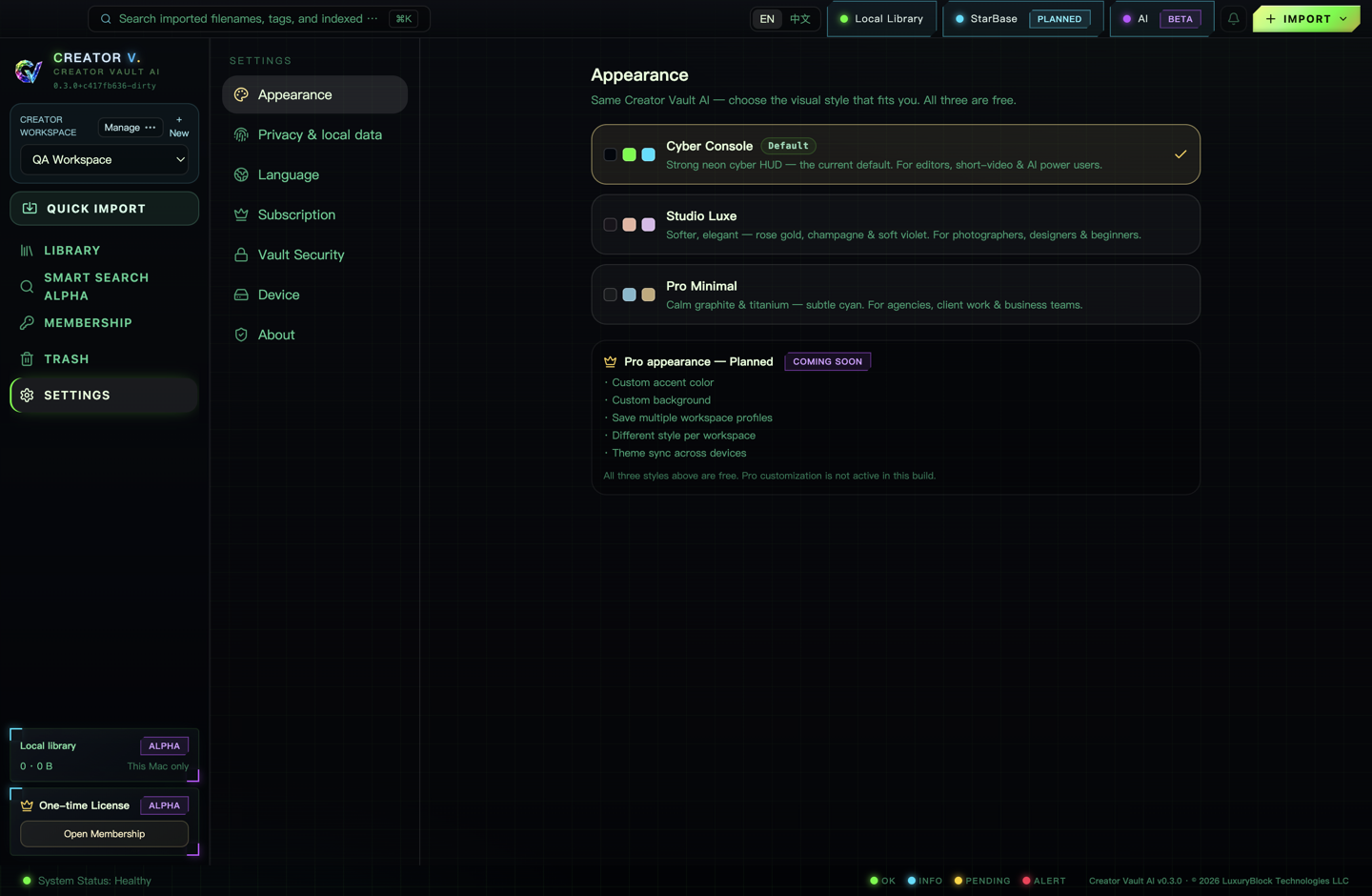
Slide 1 is a verified App interface using demonstration media fixtures. Slides 2–3 are earlier privacy-reviewed QA captures with no personal account data; the current capability text below takes precedence.
From scattered to clear
Creator Vault AI is designed around the storage you already own. It creates a local organizational view instead of forcing a wholesale migration into a cloud-first library.
Select folders or individual media. Importing does not silently move or rename your originals.
The app creates the local database records, thumbnails, preview cache, and indexes needed for the current library workflow.
Use the library and dedicated preview experiences to identify images, video, and audio without uploading them first.
Search filenames and available metadata on your device. When the approved installer includes the local model and the runtime reports it ready, Visual Search V1 also analyzes image thumbnails and one representative frame per video.
Feature detail · Current Alpha
Not a list of vague AI labels. Each capability is tied to a practical task and its current product status.
Exact duplicate detection is part of the current private Alpha. Visual Search V1 and Creator Image Tools depend on the capabilities proven by the approved installer and runtime. Full-video scene analysis, OCR, speech search, manual tags, and Collections remain planned.
Bring chosen media from folders and mounted drives into a unified library view while keeping track of where the source lives.
Review supported media through focused preview experiences so identifying a file does not interrupt the rest of your workflow.
Filename and indexed-metadata search remain available. If the approved installer includes the bundled local model and the runtime reports it ready, Visual Search V1 adds on-device matches from image thumbnails and one representative frame per video; full-video scenes, OCR, and speech search are not included.
Scan active, non-vaulted Library files by size and then SHA-256. The scan itself changes nothing, and similar-looking media is not mislabeled as an exact duplicate.
When listed in the approved installer manifest, the tools rotate, flip, crop, resize, add a text or image watermark, and optionally remove private metadata before exporting to a new filename.
Mounted external drives can participate in the library workflow. Availability still depends on the source drive being connected and readable.
The workflow starts from your explicit selection. Creator Vault AI does not assume that every folder or every private asset belongs in one index.
Exact-duplicate scanning runs locally. Visual matching and image preparation also stay local when those capabilities are included and ready in the installed build; that build determines exact format support.
Manual tag creation remains Coming Soon. The planned direction is to organize by project, client, campaign, mood, or your own taxonomy.
Collections are not an active Alpha feature. The planned direction is to create project views that span folders, storage locations, and media types.
Privacy by workflow
Your original media is not automatically uploaded, moved, renamed, or deleted during a normal selected import. The app does create local working data so the library can function.
LOCAL SQLITE · THUMBNAILS · PREVIEW CACHE · LOCAL INDEXESCore local import, browsing, and preview do not require sending your original files to a media cloud.
The app may write local database records, thumbnails, preview cache, and indexes needed for the experience.
Official downloads, sign-in, membership refresh, recovery, and checkout require internet. They are not disguised as offline features.
Current product status
Version-specific details live on the official download page. The summary below describes the current public website contract.
Available in private-alpha workflow
Windows testing
No account required for the local starting mode. Check the download page for the current build.
Conditional · Installer and runtime check
Desktop app · On-device
Shown only when the approved installer includes the bundled local model and the runtime reports it ready. Filename and indexed-metadata search remain available otherwise.
Available in private Alpha
Active non-vaulted Library
Confirms byte-for-byte matches by size and SHA-256. It does not claim to detect similar-looking media.
Conditional · Approved installer manifest
Supported images · Local export
Describe as included only when the approved installer manifest lists the tools. When included, they export a new copy without overwriting the original or an existing destination file.
US$9.99 one-time
Same installed app
Review Early Access status and purchase information; not a subscription and no separate paid installer.
Planned · Not active
Public cloud not open
Public StarBase Cloud is not open yet. This page does not enable upload, sync, storage, or a cloud entitlement.
Planned · Not active
Not available
No automatic charge and no claim that the trial has launched.
Planned
No public download
No public release date is announced.
Straight answers
A selected local import works with the media you chose on your device. Future optional sync is not part of the current local-first core.
Local import, browsing, and available preview/search functions can work offline. Download, account, checkout, membership, and recovery services require internet.
The local library layer indexes your chosen sources. Destructive file actions are separate operations and must never be inferred from a normal import.
Filename and indexed-metadata search remain available. Visual Search V1 appears only when the bundled local model is included and reports ready; it does not analyze full video timelines, OCR, or speech.
BUILD THE LIBRARY YOU CAN TRUST
Review the current Windows testing path, understand the Alpha limits, and decide whether the local-first workflow fits the way you create.